
AI Resistance. Real Homework Data You Can Actually Trust. Stop AI-Assisted Cheating for Good.
Browser extensions and phone camera apps have made standard web homework far too easy to game. Tassomai’s dedicated mobile and desktop apps block screen-scraping and AI overlay tools completely. That gives your school total control over homework integrity and guarantees your progress data reflects real student learning.
See how Tassomai protects your school's data integrity.
Looking for a whole-school retrieval solution? View our Whole-School Summary.

Blocked Screen-Scraping & Overlays:
Native apps across iOS, Android, Mac, Windows, and Chromebooks stop AI extensions and screen-readers from capturing or solving questions in the background.
School-Wide Web Controls:
Senior leaders can shut off web-browser access whenever they want, for specific year groups or the whole school. If a pupil tries to quiz on a standard browser, it automatically redirects them to open the secure app.
Works Across Every Device:
Apps run seamlessly on phones, tablets, home laptops, and school Chromebooks. Equal access for every family without opening up security loopholes.
Authentic Data for Teachers:
Gets your team back to trusting formative assessment. When you look at class accuracy or progress reports, you know it shows real pupil recall, not an AI bot.
Why App Security Matters for School Leadership
Restoring Faith in Home Learning: When digital tasks get easy to fake, staff lose confidence in the numbers and homework stops working as a diagnostic tool. Secure apps make home learning a trustworthy part of your school strategy again.
Protecting Real Study Habits: Letting a browser extension answer questions deprives pupils of the mental effort needed to store facts in long-term memory (and renders the homework fairly pointless). Tassomai's protections against this keep the focus on building genuine knowledge and long-term resilience.
Tassomai App vs. Web-Only Software: Most edtech products live inside standard web browsers, meaning they have zero control over what extensions pupils install. Building dedicated apps for every major operating system creates a safe space for your school’s learning data.
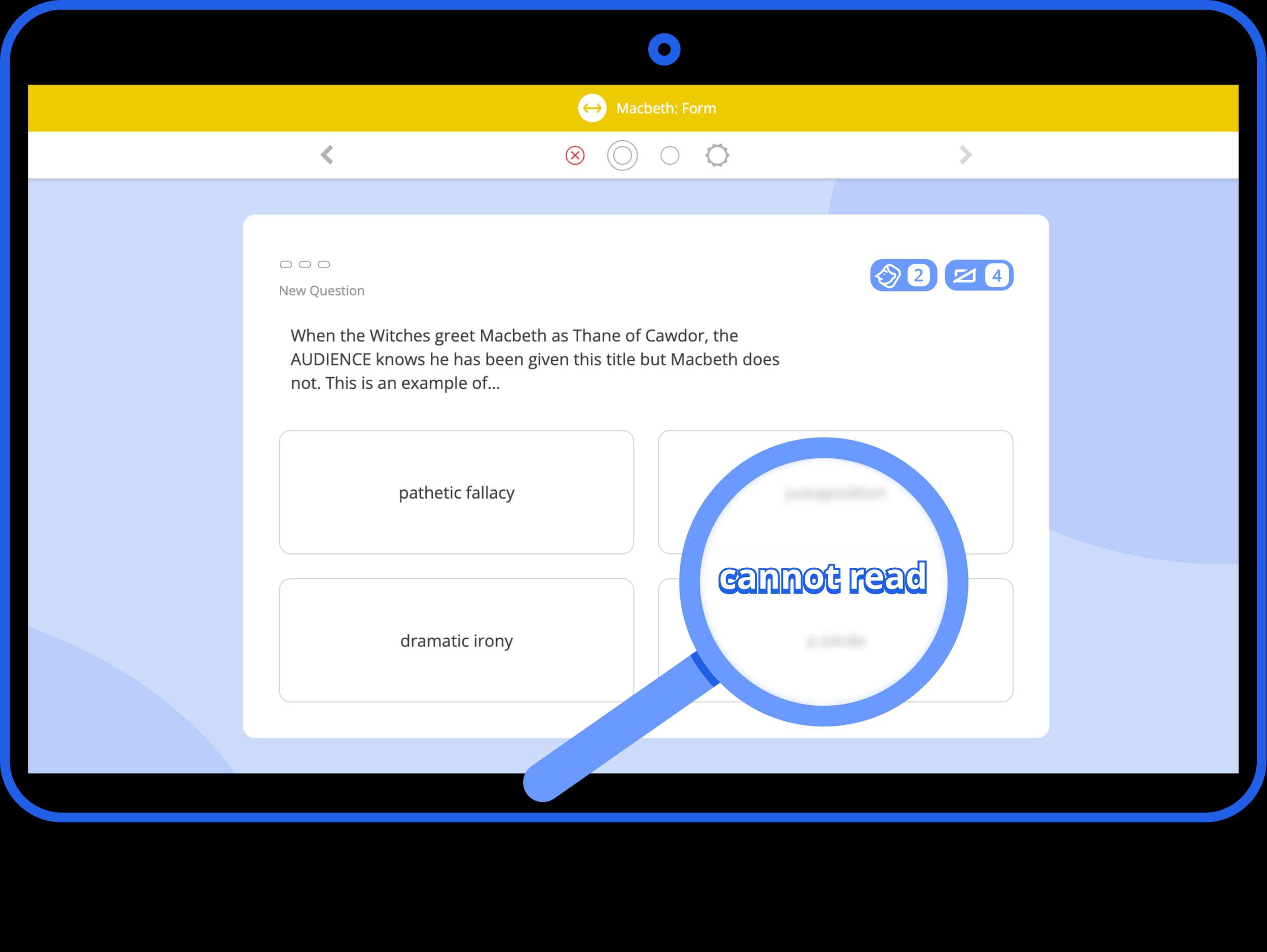
Group Quiz
100% Verified Classroom Assessment
Live Display, Zero Friction
Group Quiz projects straight onto your whiteboard for instant class discussion, cold-calling, and mini-whiteboard work.
No Student Devices Required
Bypasses device security issues entirely by keeping the focus on live, teacher-led interaction.
Ready to secure your school’s home-learning integrity?
Book a quick 15-minute walk-through with Tassomai founder Murray Morrison to see how our native app architecture safeguards student progress.
FAQ
No - we did try that during early testing, but it caused chaos. Schools are now in charge of this, and it only requires a member of staff with admin rights to impose the browser ban to make it take effect.
We can put the block in place for you if you ask us - no problem. However, if AI-Resistance is switched on unilaterally and without warning, it causes disruption: students need to download the app on their device and log in (neither of which should be an issue - and we make it very clear how to do it). They can even remain logged in on the browser and check/update their passwords etc. Nevertheless, we learned from feedback that this process needs to be driven by schools who give time to make sure students are aware that the change is coming.
Yes, in the case that students for whatever reason are unable to download our free app onto the device that they are using, you can exempt them from the browser ban; however, if the reason is that they use a school device, we urge you to get your IT lead to install the app on all devices so that this needn’t be an issue.
Tassomai works on all devices and operating systems, but regarding Chromebooks specifically,... yes - and we have a pdf set of instructions to help with that if there are any issues - please contact our team on hello@tassomai.com and we’ll be happy to help.