Welcome to Tassomai’s Teacher Hub
Keep an eye on the Teacher Hub for updates and announcements for Tassomai Teachers.
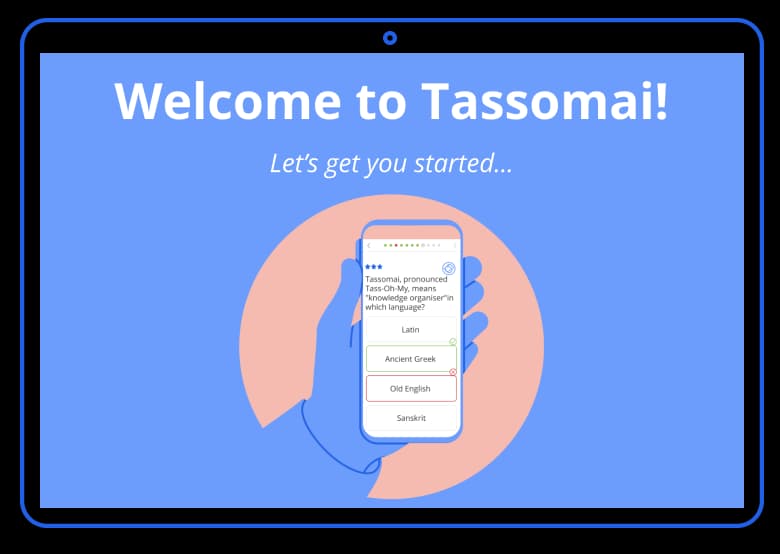
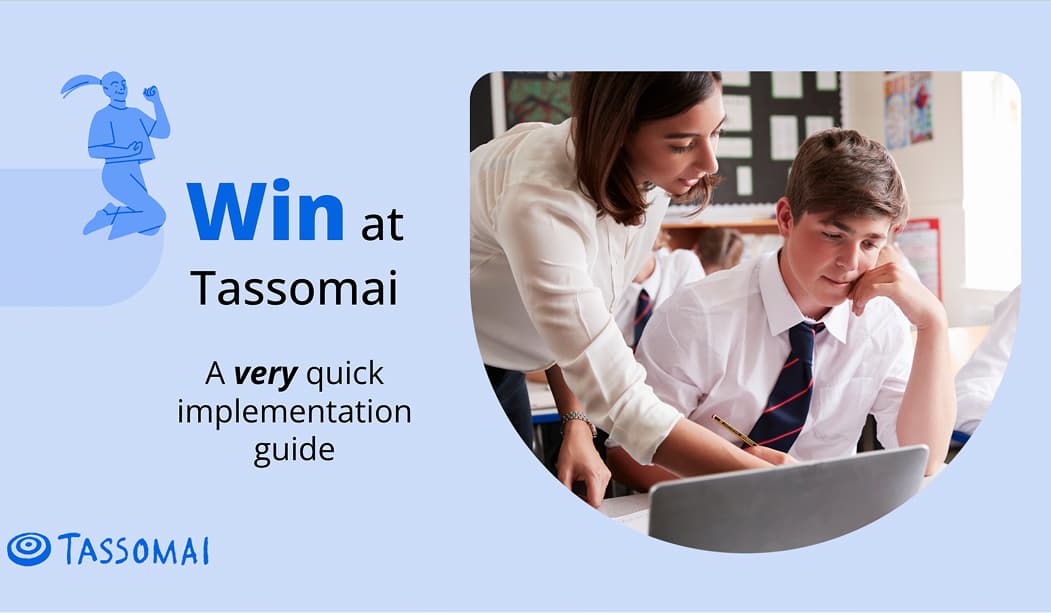
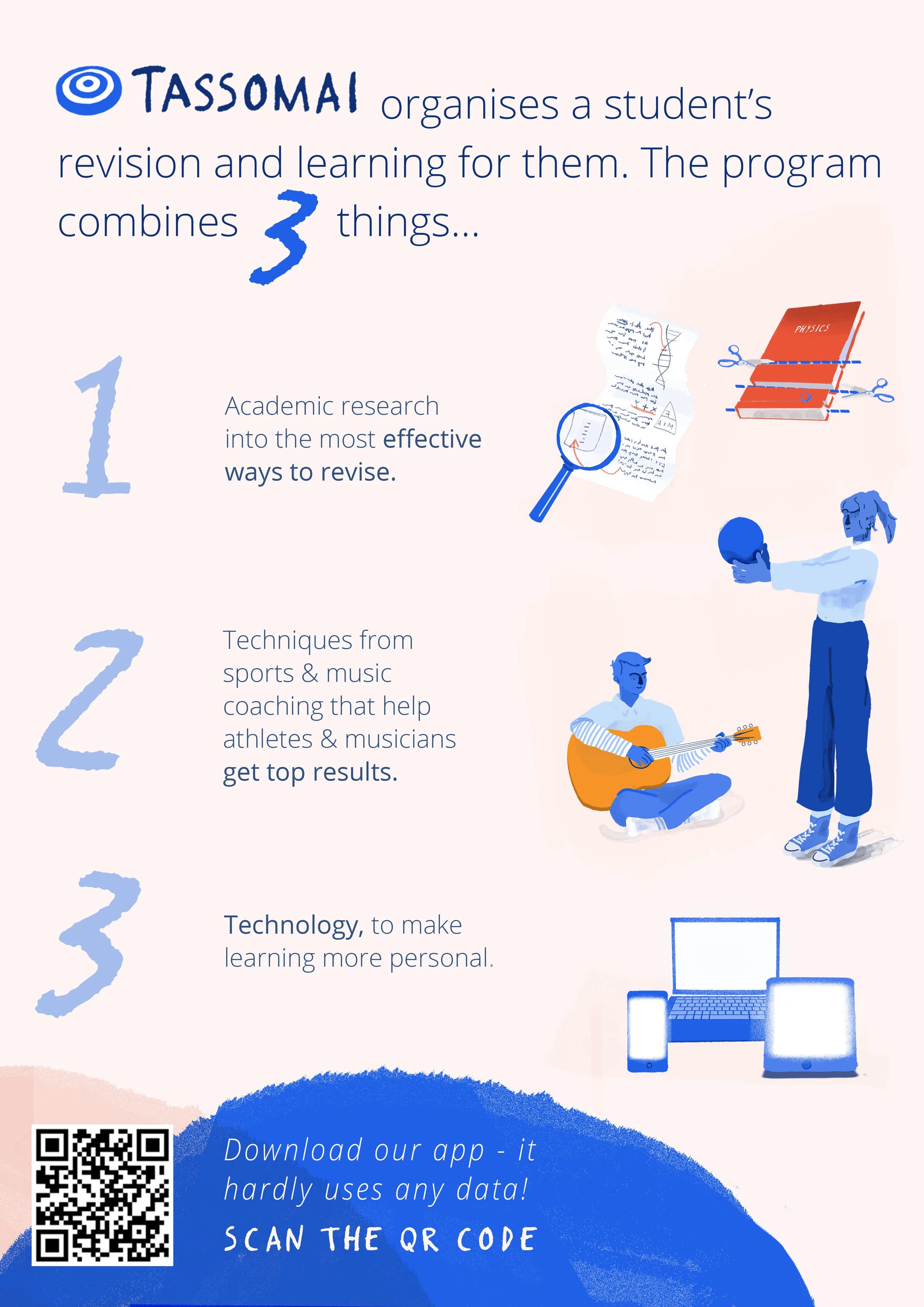
If you’re new to Tassomai the Hub has all the info you need to get started. It’s also the place to find out about new features and tips to help every teacher get the most from the program.
Don’t forget to bookmark this page!

New Leaderboards to keep your classroom motivated
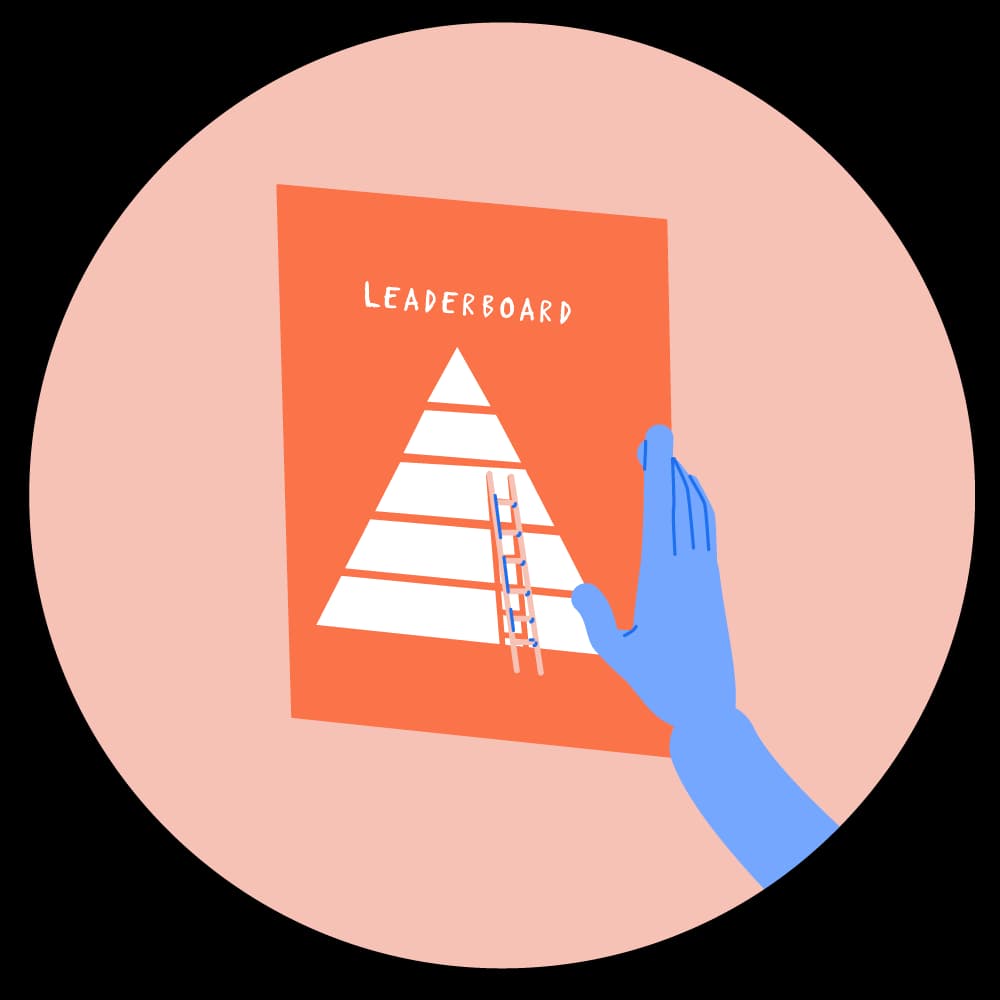
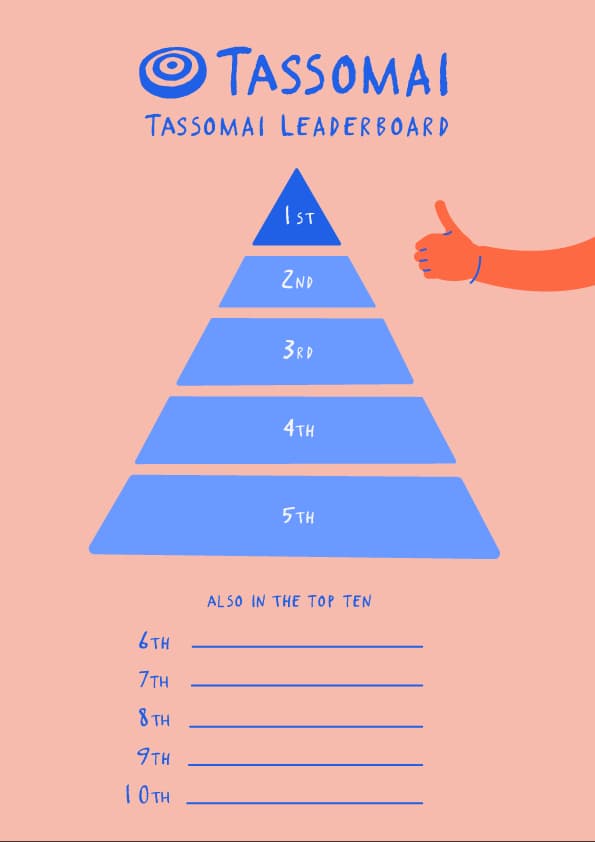
We’ve introduced new leaderboards to help you keep your students motivated by making it easier than ever to run competitions with your classes.
Leaderboard competitions run weekly and automatically, allowing students to compete against their classmates to earn points through quizzing. Implement them across your school for maximum impact.
Useful Website links:
- NEW: Quiz Powers
- Leaderboards
- A guide to Class Tasks
- Tassomai and SEND students
- PDF: Information for your SLT
- Helpful information for students
- Mai, the AI-tutor explained
- Deep data dive resources for teachers
- PDF: Info for MAT teams & curriculum leaders
- Info for parents about Tassomai and the Parent Dashboard
- PDF: Parental engagement features
- Teacher case studies
- Practice distribution alerts explained
Need-to-know content from Tassomai’s blog:

Tassomai App and AI resistance
18 May 2026
Tassomai has launched a new desktop app to tackle AI cheating tools and make student homework AI-resistant.
Quiz Powers
30 April 2026
Quiz Powers are abilities students can use when they need a little helping hand while quizzing.

Introducing the New and Improved Mai
27 April 2026
Tassomai's algorithm has always helped students learn — but Mai Helps just got an upgrade that makes it even more powerful.

The ‘Achieviary’
26 March 2026
We’d like to introduce you and your students to the ‘Achieviary’, our latest collection of Tassimals for students to unlock. As the name is doing its best to suggest, this is a bird themed collection (Aviary) that students can win by completing certain challenges (Achievements) on Tassomai.

Level Up the Classroom: Introducing Class Leaderboards
5 February 2026
The Tassomai team are pleased to be rolling out Leaderboards, a new way to foster healthy classroom competition and support engagement.
Tassimals merchandise for schools
3 December 2025
Schools can now order their own Tassimals merchandise through our print supplier — and they will save 20% on the regular price!

Class Tasks now more flexible than ever
27 November 2025
Class Tasks allow teachers to deliver the same quiz to every student. Previously they had to include a learning resource like a video or an article. Now, you can create a Class Task on any topic — with or without a resource.
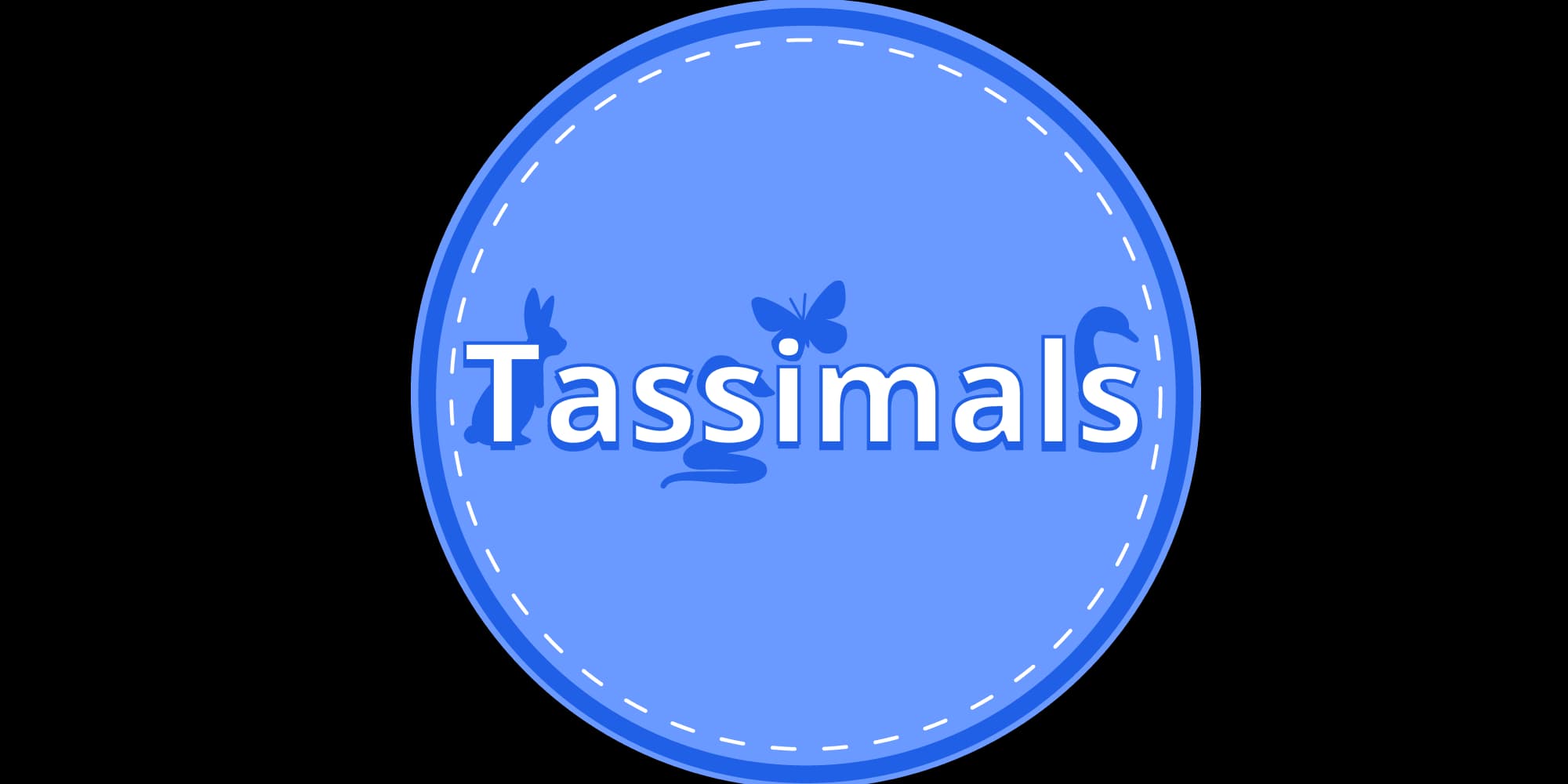
Meet the Tassimals
1 September 2025
A brand-new way to reward effort and keep students motivated – discover Tassimals, Tassomai’s in-app sticker collection!

What’s new on your Teacher Dashboard for 25/26
29 August 2025
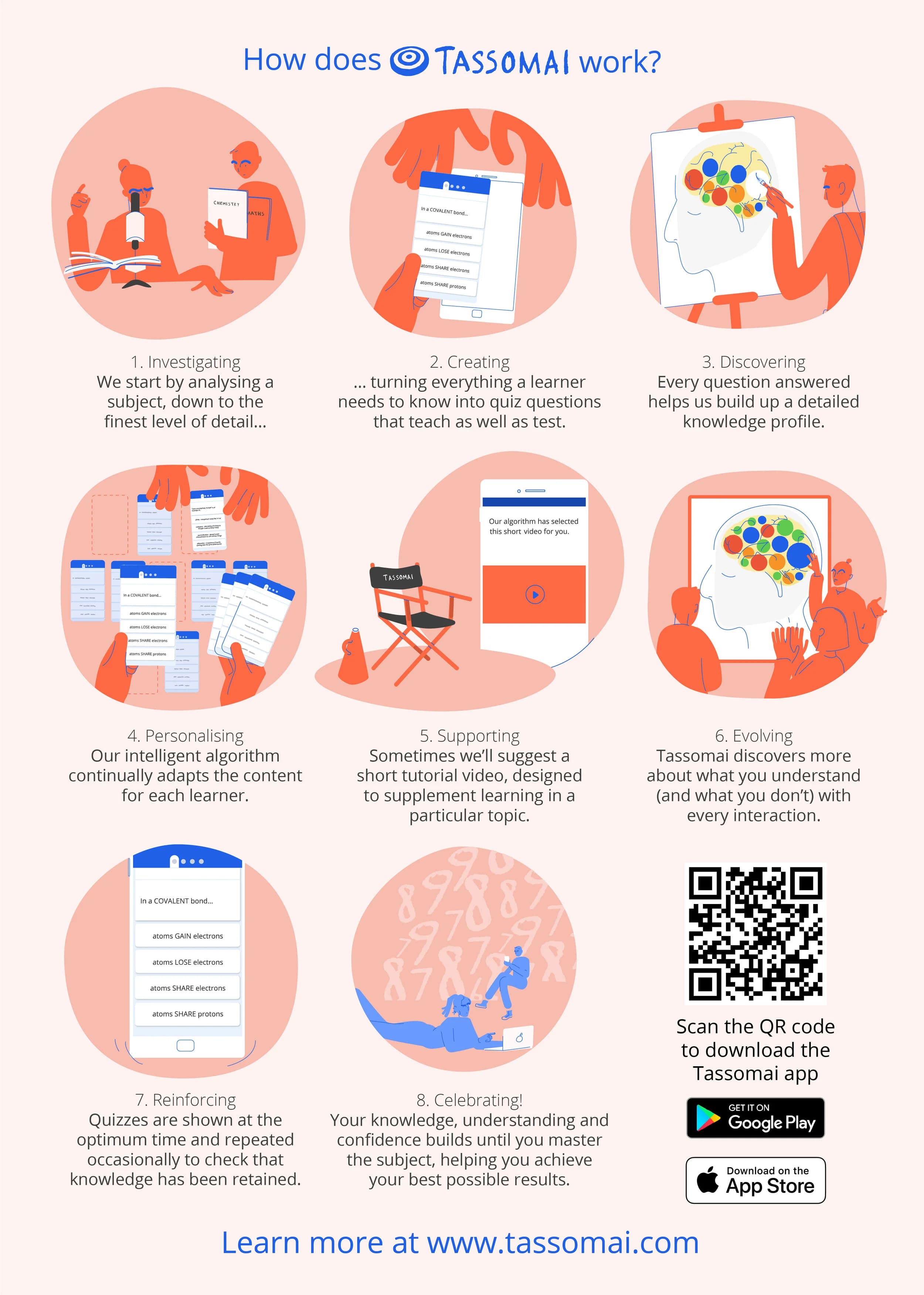
We’ve made a series of improvements to save teachers time and make Tassomai easier to manage. Here’s a quick recap of the recent changes, including one brand-new update for the new school year.
Customer Success with Tassomai

Our team want to help you and your school achieve your goals with Tassomai.
Book a call to discuss renewals and implementation strategies to boost success, or book in a training call to learn how to use Tassomai and the data it provides.
We’ve also made a series of training videos to show you how to do some of the most common tasks we get asked about.
Getting started - steps from the launch emails
These essentials cover all the key parts of how Tassomai works, and we’d recommend every teacher is familiar with them.

LAUNCHING TASSOMAI
Effectively launching Tassomai as early as possible is key to getting good usage. Find out how to effectively launch the program here! We’d recommend doing this asap.

MONITORING USAGE
Find out how to keep track of whether or not your students are using the site. This covers how you select different groups of students and navigate around your dashboard.

CUSTOMISING SETTINGS
You can control various aspects of your students’ experience on Tassomai. Find out what the different settings do, how they’ll impact your students, and how to change them.

THE UNDERSTANDING GRID
Tassomai’s most powerful tool is a self-populating PLC grid. Learn more about how it works, how it can save you time, and how it can be used for intervention strategies.
Videos
Use our videos to introduce Tassomai to different audiences and to learn more about how the program works.
A good general overview…
This video gives a brief (2 minute) overview of Tassomai and it’s a good intro for everyone: teachers, students and their parents.
For students…
Show this to your students to explain what Tassomai is, how it works and why it will help them get better grades!
For teachers…
This video goes into more detail for teachers, exploring the data and insights provided by the program and your Teacher Dashboard.
For parents…
This video was made to promote Tassomai to private subscribers, however you may want to share it with the parents of your students to show them the impact that Tassomai can have on grades.
“How-to…” videos
We’ve created some “How-to…” videos in answer to some of the most frequently asked questions from Tassomai teachers.
Here’s a video about Class Tasks, a feature that lets you set a specific quiz for all students.
Tutorial videos on YouTube
Our YouTube channel also includes over 100 short Tassomai tutorial videos for science, English and maths, presented by Tassomai's founder Murray and other team members.
Please encourage your students to take a look and to subscribe to our channel. Note these videos are free to access for all learners, not just Tassomai users.
(You can read more about these videos and their impact here)
Strategies
These strategies have been tried and tested in Tassomai’s best-performing schools. Book in a call with your Customer Success Manager to find which of these will work best in your school!
Prefer everything on one page? See all strategies.

Stickers are a great way to reward and motivate your students for good usage of the program.




Get your customer success manager to set up additional groups, such as houses or tutor groups.


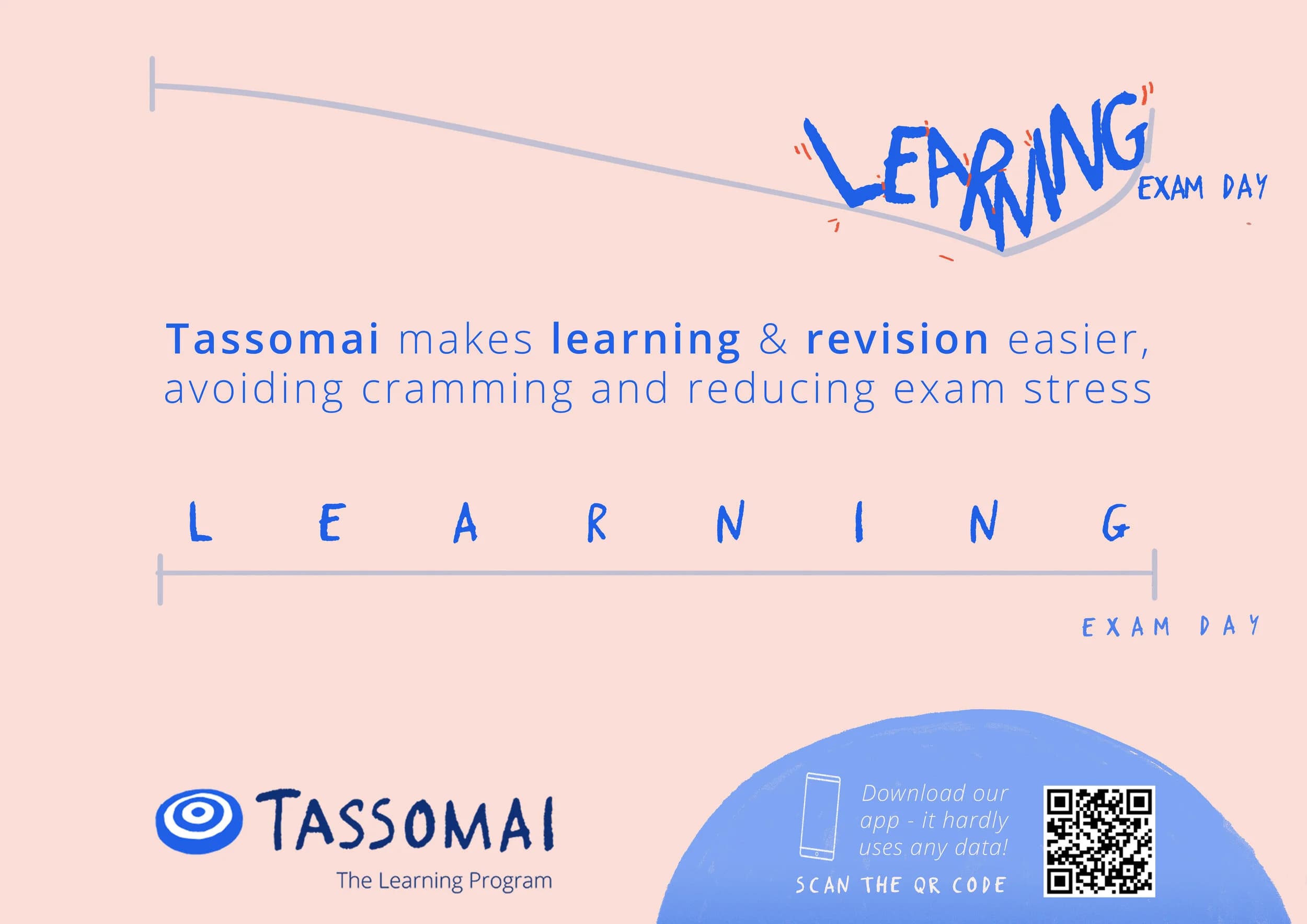






Tassomai logos & images
Download logos and images to use as and where you please on your website, social media or in print.
Each link downloads a Zip file containing the Tassomai logo and target icon in various formats.